
Inktoys · A research studio for 3DGS & spatial media
We're writing the answers to Gaussian Splatting.
12 SOP chapters, tool reviews, case retros, and explicit takes — Inktoys publishes the entire chain of research here. Browse if you're just keeping up; talk to us if you'd rather have it delivered.
Capture
What do you want to capture?

scene 01 · 物体
Things in Hand
Bring any object into the palm of your hand
Open →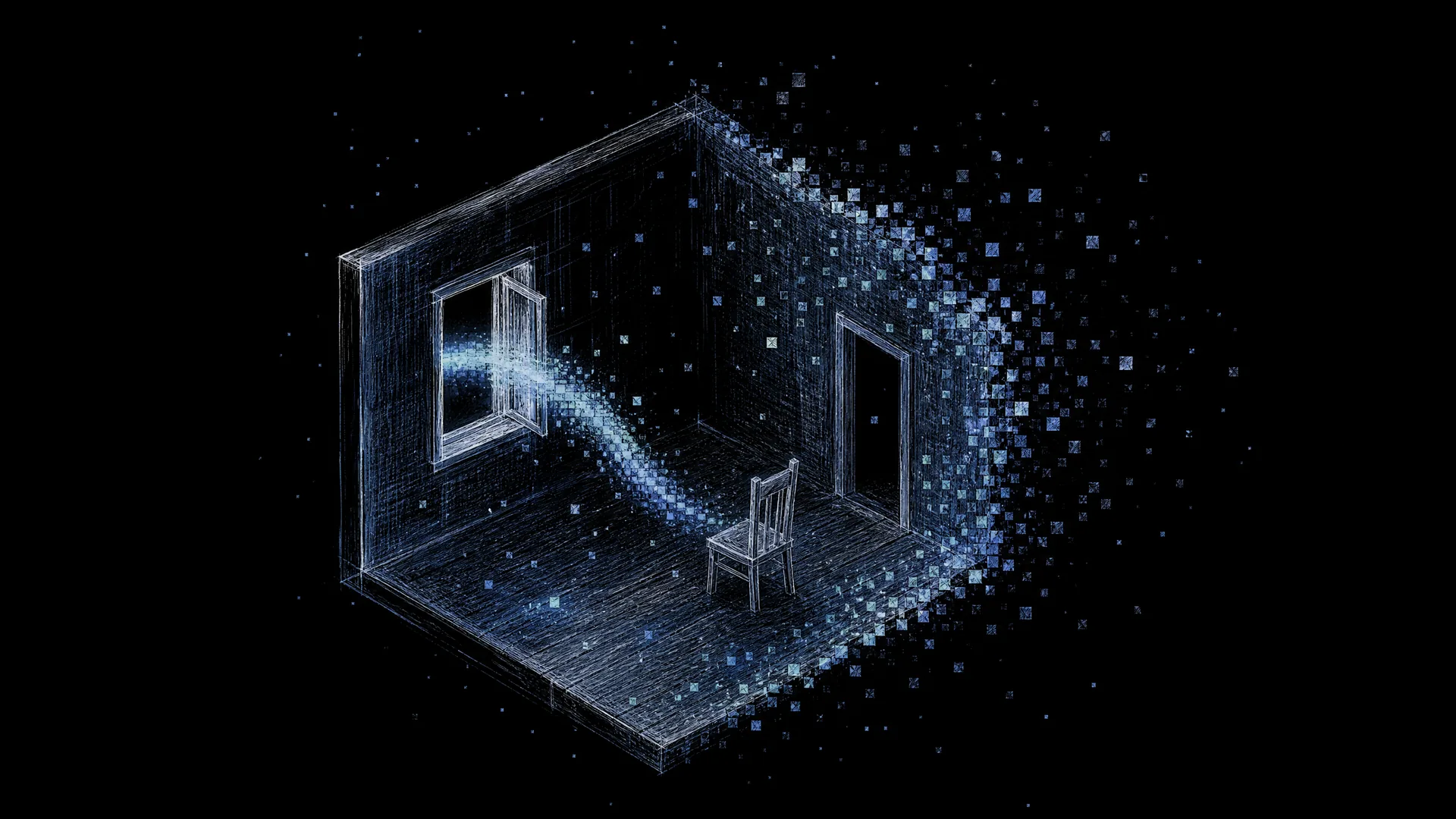
scene 02 · 室内
Frozen Moments
Seal a space and a memory into a walk-through moment
Open →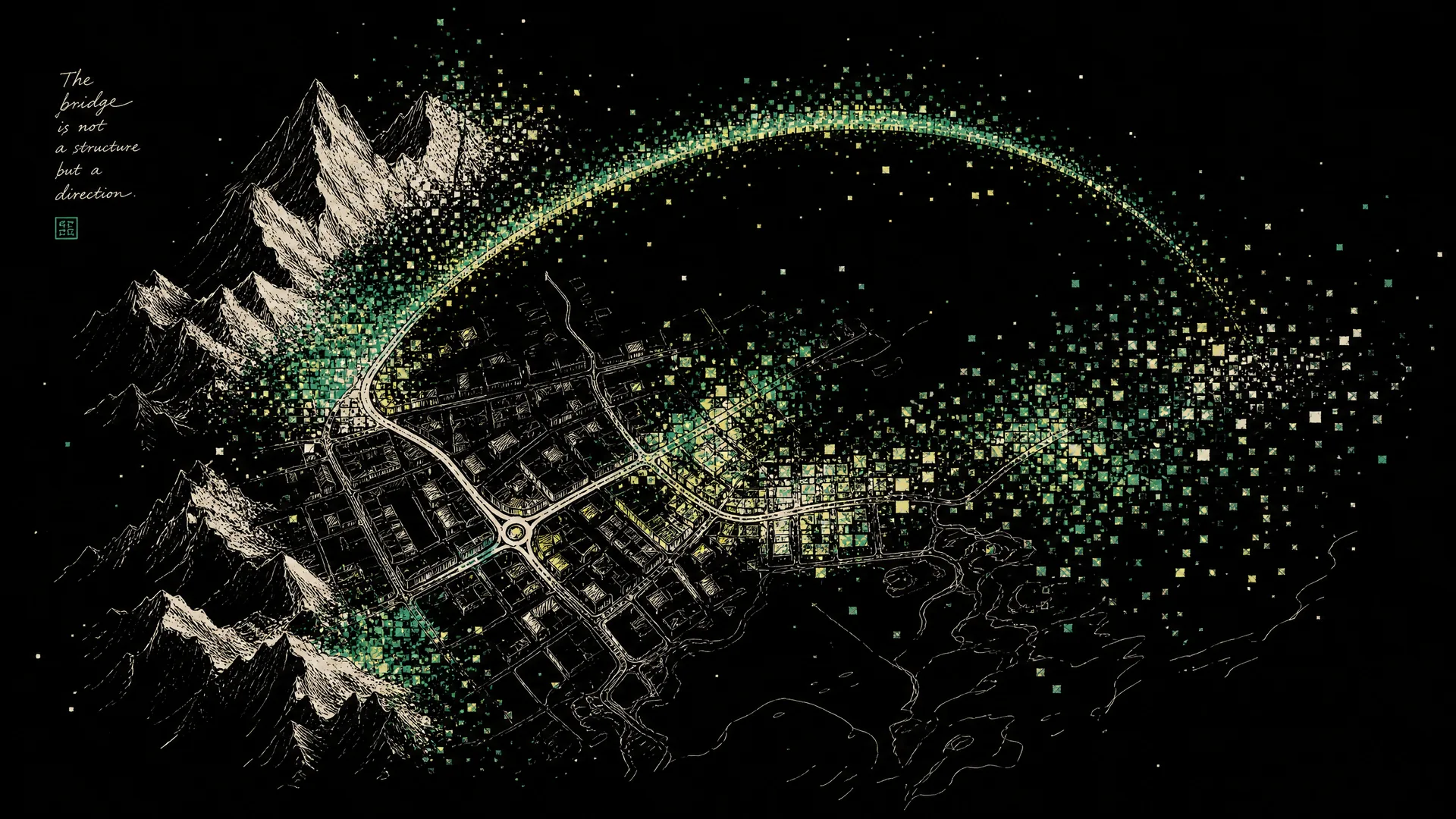
scene 03 · 户外建筑
Bird's Eye
See a building, a mountain, or a neighborhood from above
Open →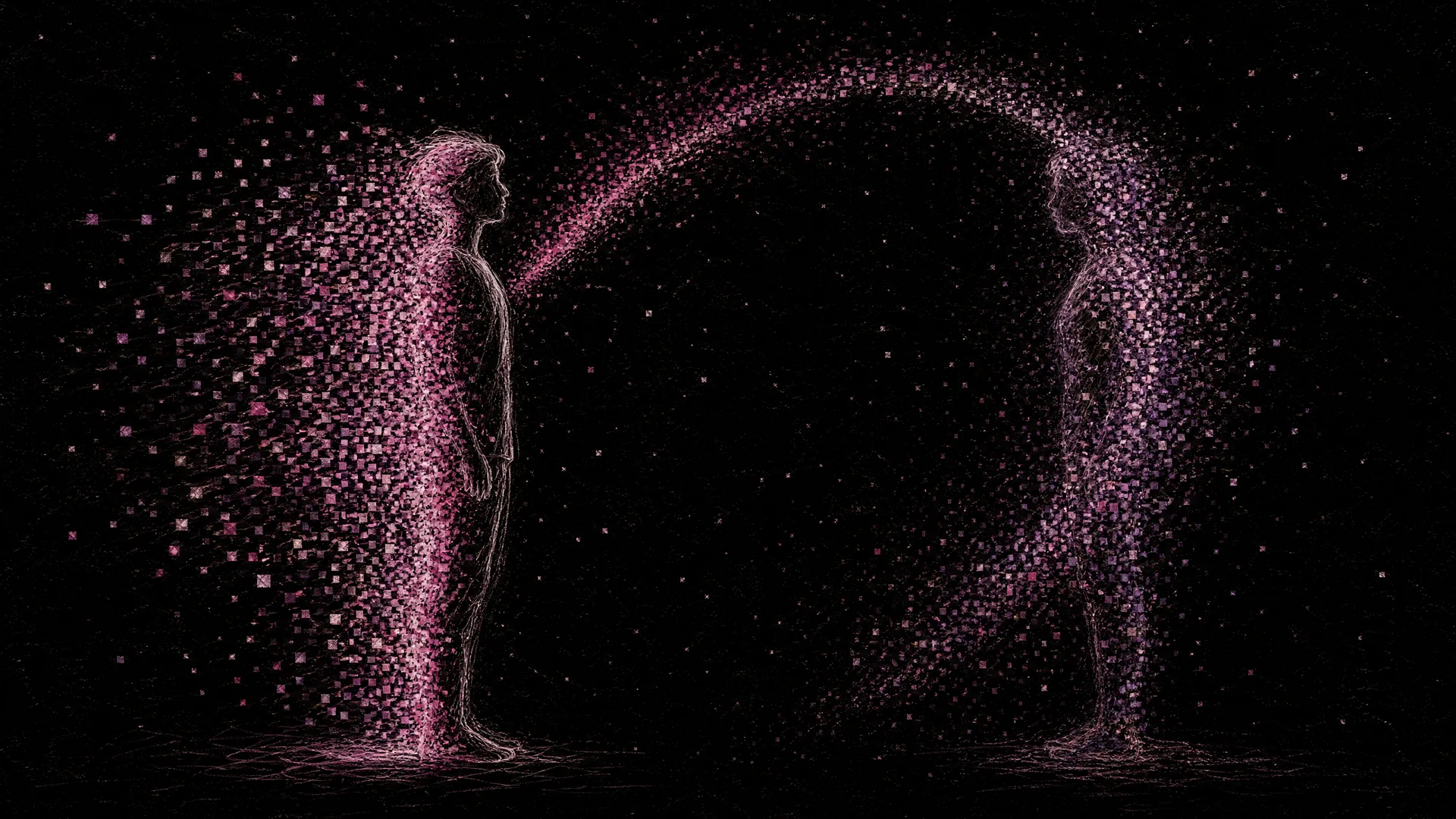
scene 04 · 人物
Digital Twin
Copy a person, fully, into the digital realm
Open →SOP
12-Stage SOP Mainline
From decision gate to distribution, 12 chapters form an end-to-end Gaussian Splatting workflow. Each chapter ships with bilingual content, on-set screenshots, and our explicit Inktoys judgment — ready to follow or audit.
Decision Gate: Should You Use 3DGS
Decide in 5 minutes whether 3DGS is the right tool for what you want to capture, before spending on gear or time.
Read chapter →Subject Taxonomy & Capture Strategy
Break subjects into scene / object / human / composite, then map each to device, radius, and the most common failure modes.
Read chapter →Site Recon & Shot Planning
Visit the site once before the real shoot — spend 30 minutes mapping light, obstacles, and paths, then write a one-page shot plan.
Read chapter →Camera Settings & On-Site Operation
Why manual mode is non-negotiable, plus device-specific settings for phone / DSLR / drone / 360 / action cam, and how to move the camera in cramped vs open spaces.
Read chapter →Asset Organization & Archival
Naming convention, folder layout, the 3-2-1 backup rule, metadata preservation — what makes a shoot reusable months later.
Read chapter →Frame Extraction & Selection
FFmpeg sampling templates, automatic rejection of blur / over-exposure / duplicates, and mask generation.
Read chapter →Color Grading & Consistency
Lightroom / Camera Raw batch flow, white-balance consistency — and why over-grading kills SfM.
Read chapter →SfM Pose Estimation
COLMAP (local / free / slow but stable) vs RealityScan (fast but watermarked) vs in-pipeline solvers.
Read chapter →Training
Cloud options (Polycam / KIRI / Luma) versus desktop options (Postshot / Brush / NerfStudio), with hardware vs runtime tables.
Read chapter →Training via AI Agents
Turn command-line 3DGS tooling into a conversational workflow with Cursor, Claude Code, or Codex CLI.
Read chapter →Post-Processing, Cleanup & Compression
Trim floaters in SuperSplat, color post-processing, compress to under 30 MB with SOG or SPZ.
Read chapter →Distribution & Display
Self-host with Three.js / gsplat.js, platform-host on SuperSplat / Polycam, B2B delivery checklist.
Read chapter →Learn
Learning Paths
Understanding Gaussian Splatting
Beginner · 7 modules · ~2.5h
Concepts, pipeline, NeRF comparison, first hands-on demo.
Enter path →Capture & Training Workflow
Intermediate · 8 modules · ~4h
Shooting strategy, SfM, COLMAP, local & cloud training, QC and export.
Enter path →Web Viewing & Interaction
Intermediate · 6 modules · ~3h
Three.js / PlayCanvas / Babylon.js, formats, LOD and WebXR.
Enter path →Spatial Narrative & Media Experiments
General · 5 modules · ~2h
Milestone papers, 4D dynamics, avatars, text-driven gen and community works.
Enter path →Tools & Resources
Tool Index
Capture
26Turn real-world spaces into trainable image or video data.
Training
20Convert captured data into Gaussian Splatting models.
Editing
15Clean up, crop, recolor, and blend with traditional assets.
Viewing
17View Gaussian models on the web, apps, or spatial devices.
Publishing
14Distribute works to cloud, social, maps, or commercial platforms.
Gallery
Gallery: Creator-Picked Gaussian Splats
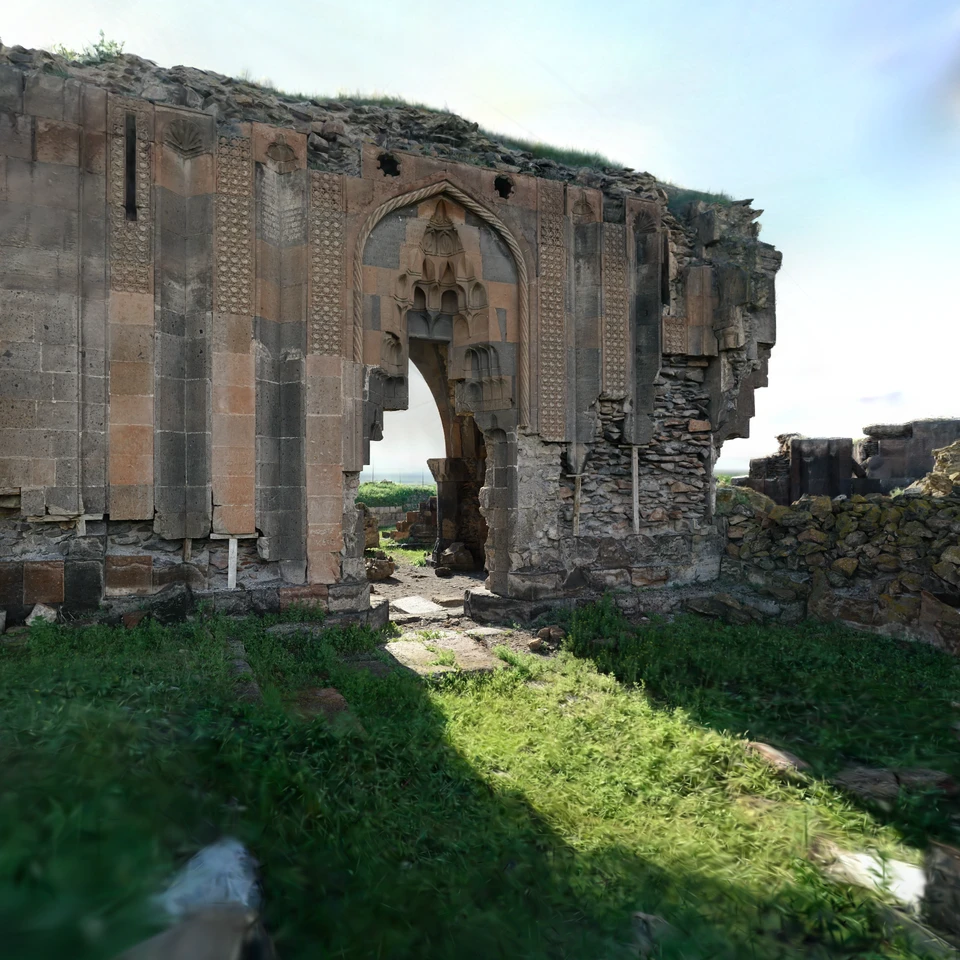
Architecture · SuperSplat · Featured pick
Church of the Holy Apostles
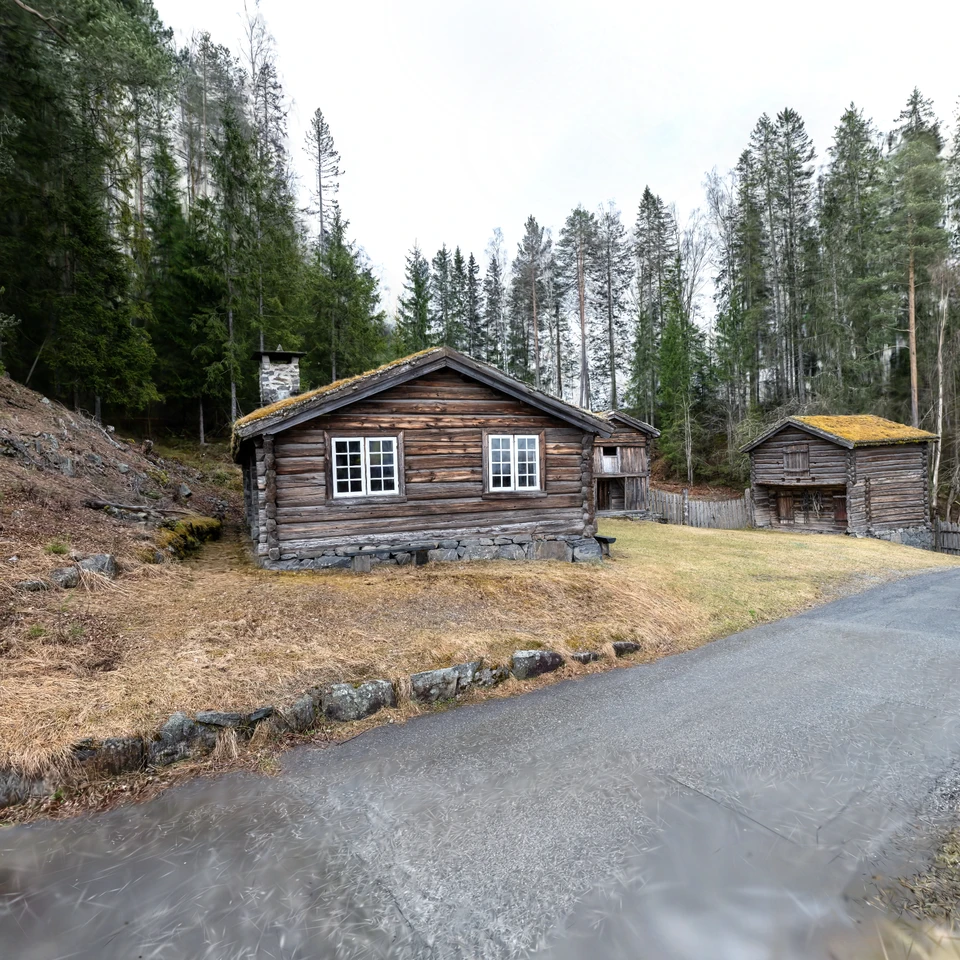
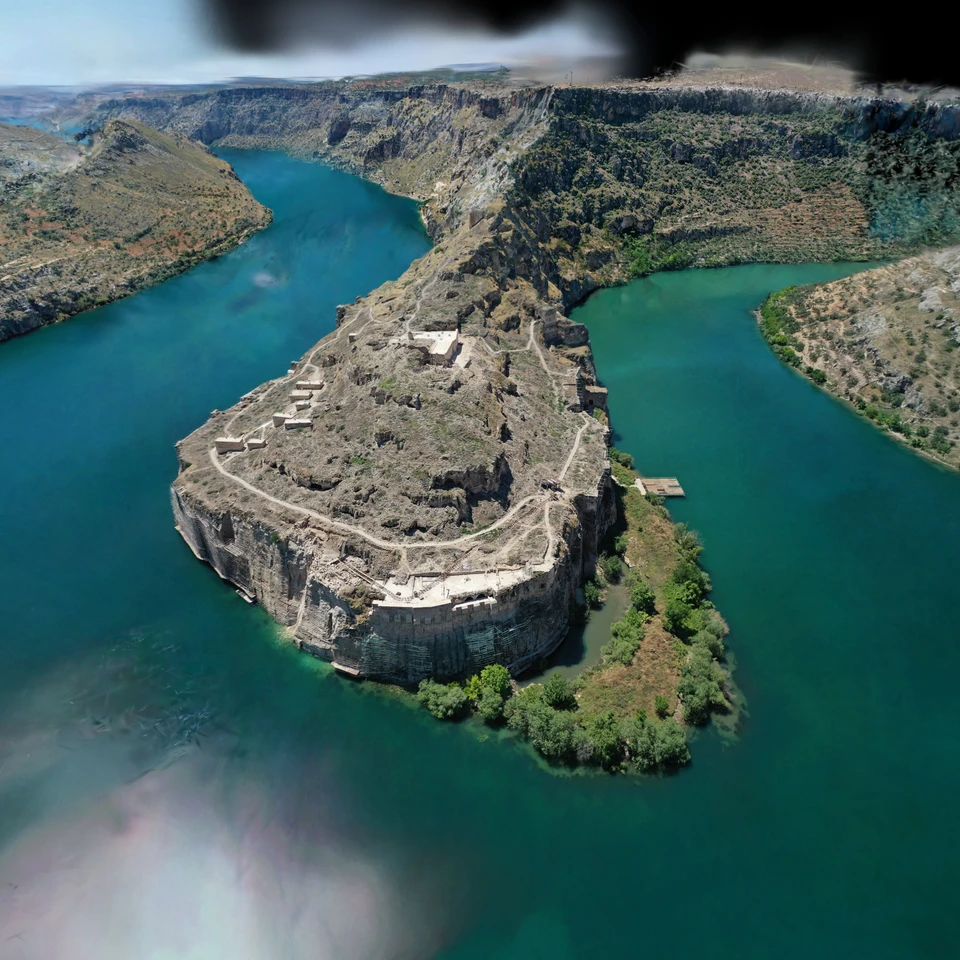
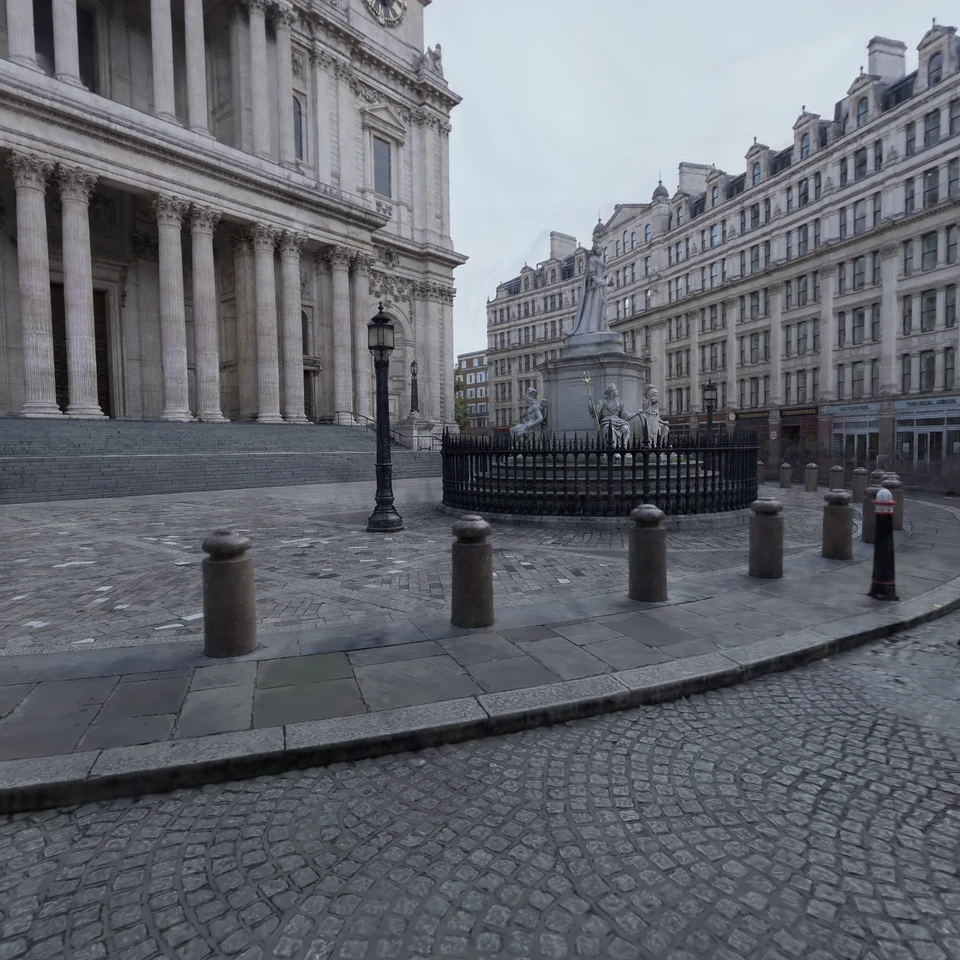
34 picks · Architecture / Interior / Nature / Objects / Academic / Interactive
Enter the gallery · interact in-browser →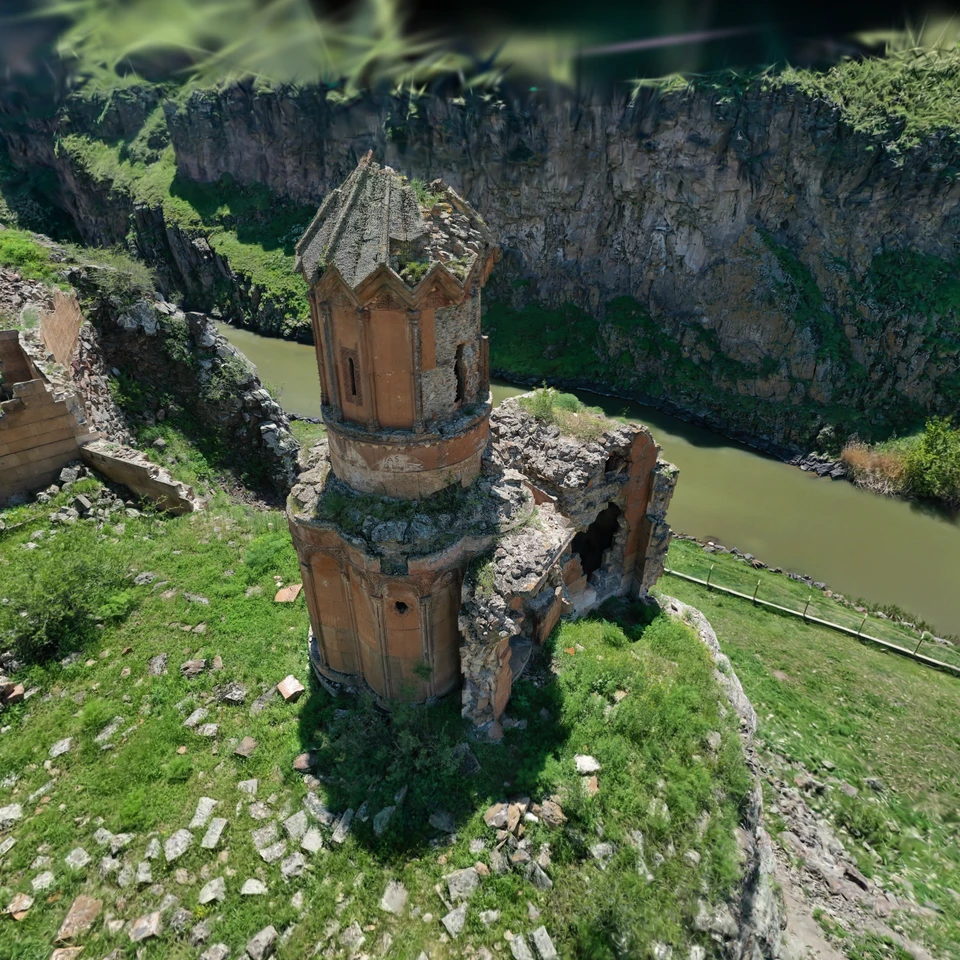
Media
Media: TOP3DGS' Own Exhibitions & Videos
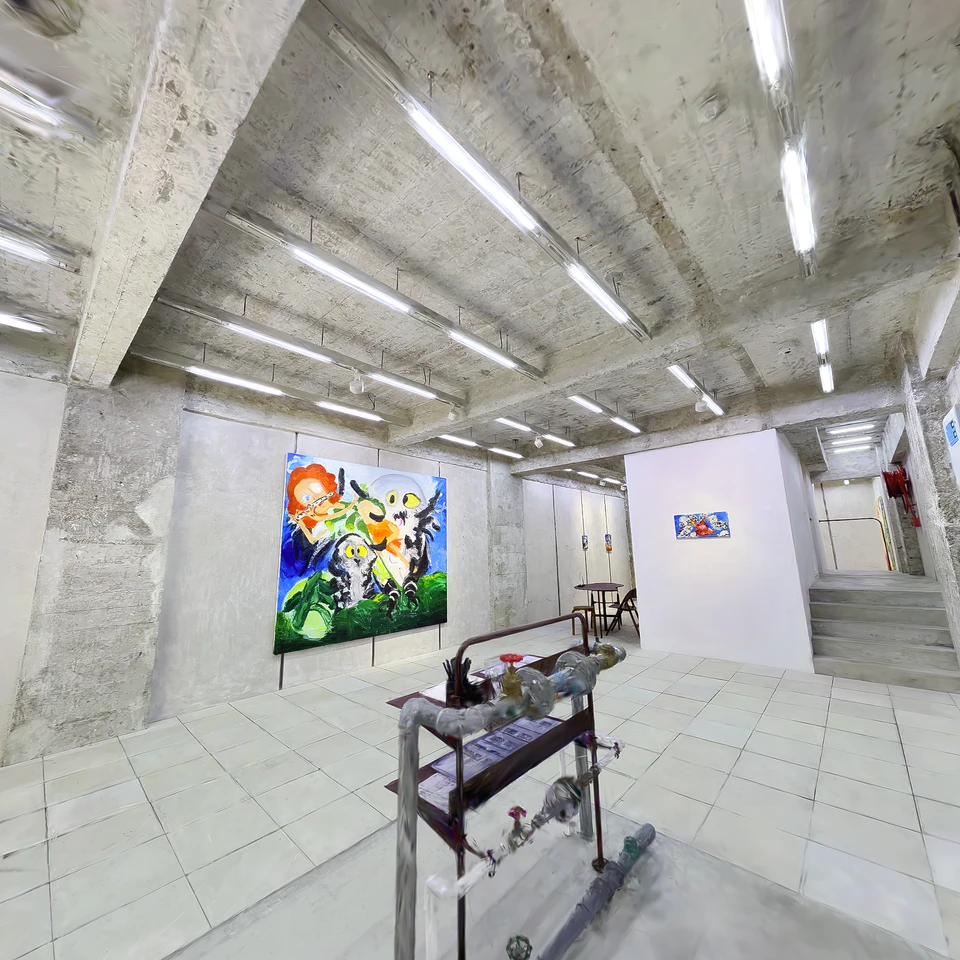
Edouard Malingue Gallery
Play Gravity
Twenty exhibition spaces captured in-house, plus upcoming videos, interviews, and talks.
20 exhibition captures · Video content in progress