
印刻万物 TOP3DGS印刻万物TOP3DGS
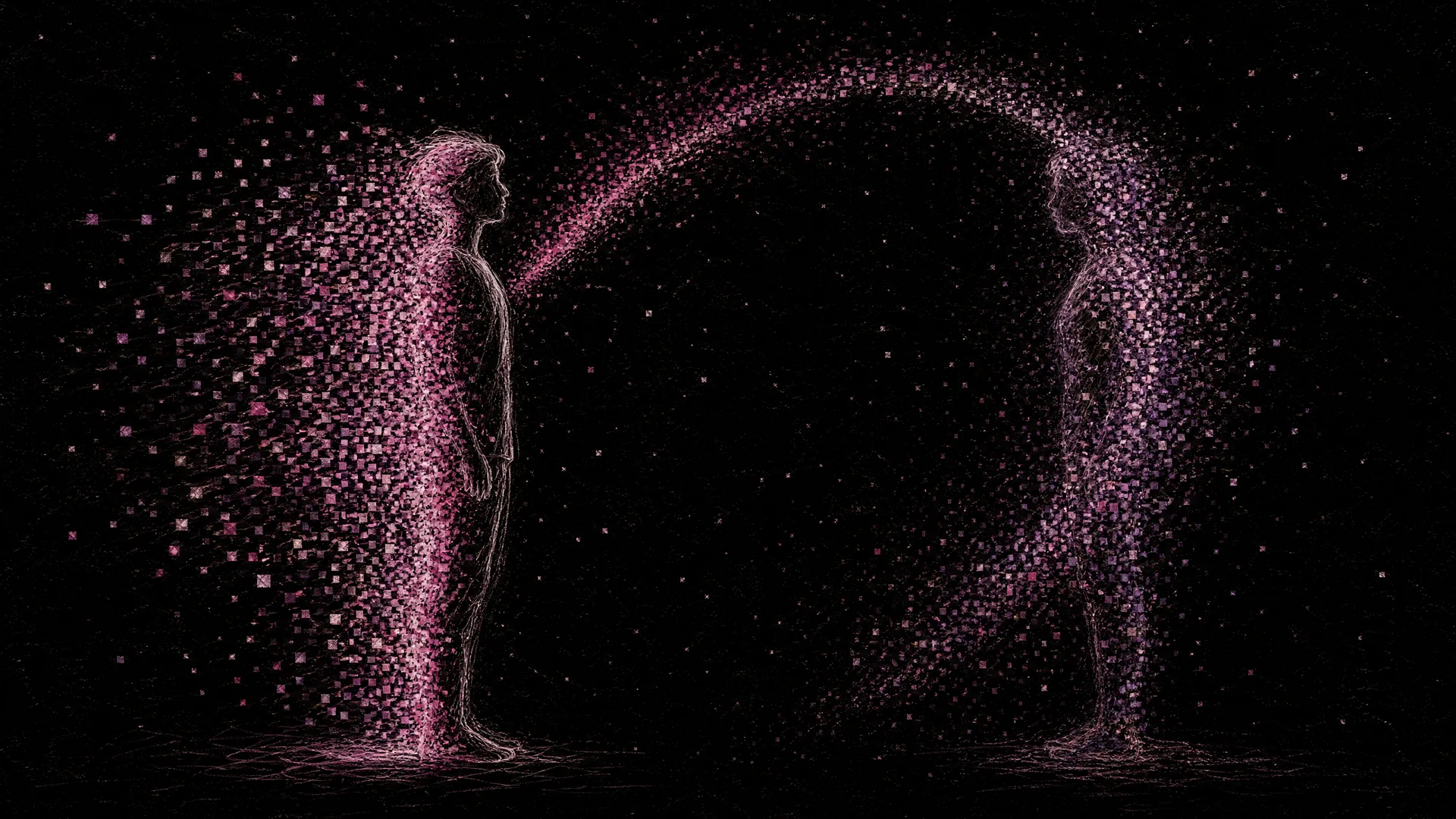
Digital Twin 场景封面

scene 04 · People

Digital Twin

数字分身

Copy a person, fully, into the digital realm

Open interactive

Scroll to the interactive model

Live Interactive

Drag to explore this scene

A real 3DGS model for this scene — drag to orbit, scroll to zoom, double-click to reset. Hosted by our studio rather than relying on third-party public servers.

Drag / scroll / double-click

Loading…

Model credit: Sample from SuperSplat public gallery

Find your path

Answer 3 questions and we'll recommend the best workflow for you.

Q01

What gear do you have?

Q02

How long can your subject hold still?

Q03

What's it for?

Or browse all three paths below

Three end-to-end paths

Pick your path

From the easiest to the most professional. Each path is tagged with time, gear, and best fit.

Cloud Workflow

60-second orbit + cloud

Subject holds still for 60 sec, you orbit with a phone, upload to cloud, done.

Difficulty
Beginner
Time
About 30 min
Cost
Free quota tier
Best for
Memorial portraits, family captures, portrait-studio demos

Tools you'll use

  • Polycam
  • Luma AI
  • Scaniverse

Step-by-step

  1. 01

    Find soft lighting, stay still

    Overcast window light or a softbox setup. Have the subject sit in a steady pose; eyes open, shallow breathing.

    Open the chapter · Subject Taxonomy & Capture Strategy
  2. 02

    Orbit in 60 seconds

    Use 0.5× ultra-wide to orbit once around the subject, keeping the camera trained on head and chest.

    Open the chapter · Camera Settings & On-Site Operation
  3. 03

    Upload via Polycam Object mode

    Pick Object (not Room). Cloud preview in 5–15 min.

  4. 04

    Crop to head/shoulder or torso

    Open SuperSplat, strip the background and ground, leave the bust or torso.

    Open the chapter · Post-Processing, Cleanup & Compression
  5. 05

    Gift the link / generate avatar

    Share the link as a digital keepsake, or export .splat into a viewer to use as an avatar.

    Open the chapter · Distribution & Display
Path 01 / 3Cloud Workflow
Local GUI Tool

Studio + local trainer

Studio lights + camera burst + local Postshot — quality good enough for virtual-host assets.

Difficulty
Intermediate
Time
Half a day
Cost
Studio lights $300+ / Postshot trial / 8GB+ NVIDIA GPU
Best for
Portrait studios, virtual-host operations, IP merchandising teams

Tools you'll use

  • Studio lights + seamless backdrop
  • Mirrorless + 50mm / 85mm lens
  • Postshot

Step-by-step

  1. 01

    Three-point softbox + neutral backdrop

    Front softbox + two side fills. Use grey or green backdrop. Avoid mirror-like wardrobe.

    Open the chapter · Subject Taxonomy & Capture Strategy
  2. 02

    Three-height orbit + multiple poses

    Three orbits at three heights (up-tilt, level, down-tilt), 100 frames each. Capture 2–3 poses.

    Open the chapter · Site Recon & Shot Planning
  3. 03

    Grade RAW + mask

    Batch grade in Lightroom; mask the subject in PS if you want to suppress background influence.

    Open the chapter · Color Grading & Consistency
  4. 04

    Postshot portrait preset

    Pick Object preset, raise SH degree, enable anti-aliasing. Start at 300k iters.

    Open the chapter · Training
  5. 05

    Embed in virtual host / IP merch

    Export .ply into UE or spark viewer for virtual hosts or AR merch.

    Open the chapter · Distribution & Display
Path 02 / 3Local GUI Tool
Professional Pipeline

Multi-camera sync + cinematic delivery

Dozens of synced cameras + in-house SfM + source-code training — motion-capture-grade digital twins.

Difficulty
Professional
Time
1 week+
Cost
Multi-camera rig $15k+ / multi-GPU / team operation
Best for
VFX, game characters, celebrity digital assets, motion capture

Tools you'll use

  • Synced camera array
  • Self-hosted COLMAP
  • gsplat / 4DGS
  • UE MetaHuman

Step-by-step

  1. 01

    Build a synced multi-cam stage

    20+ synced cameras in a spherical rig, unified lighting, instantaneous single-frame capture.

    Open the chapter · Site Recon & Shot Planning
  2. 02

    Instant SfM + temporal alignment

    Solve poses for a single frame with proprietary SfM, then chain frames into a dynamic sequence.

    Open the chapter · SfM Pose Estimation
  3. 03

    4DGS / dynamic training

    Train a dynamic sequence with 4DGS or dynamic 3DGS fork, with timeline LODs.

    Open the chapter · Training
  4. 04

    Integrate with UE MetaHuman

    Import to UE, hook up MetaHuman or Live Link for real-time digital humans.

    Open the chapter · Post-Processing, Cleanup & Compression
  5. 05

    Film / game delivery package

    Slice assets per client engine (USDZ / glb / .splat) with multi-LOD versions.

    Open the chapter · Distribution & Display
Path 03 / 3Professional Pipeline

TOP3DGS · Commercial service

Need a digital twin?

Person-grade 3DGS by TOP3DGS

From portrait to cinematic, tiered pricing. On-site lighting, location capture, long-term asset maintenance.

Discuss a digital twinThe bridge between technology and your market